Why your dental practice loses one chair-hour a day to no-shows (and the 3 reminder cadences that close the gap)
Most general dental practices lose between 5 and 10 percent of scheduled appointments to no-shows, which usually works out to about one chair-hour per day per operatory. The cost is real but invisible — the chair sits empty, the hygienist gets paid anyway, and the practice owner accepts it as part of the business. It does not have to be.
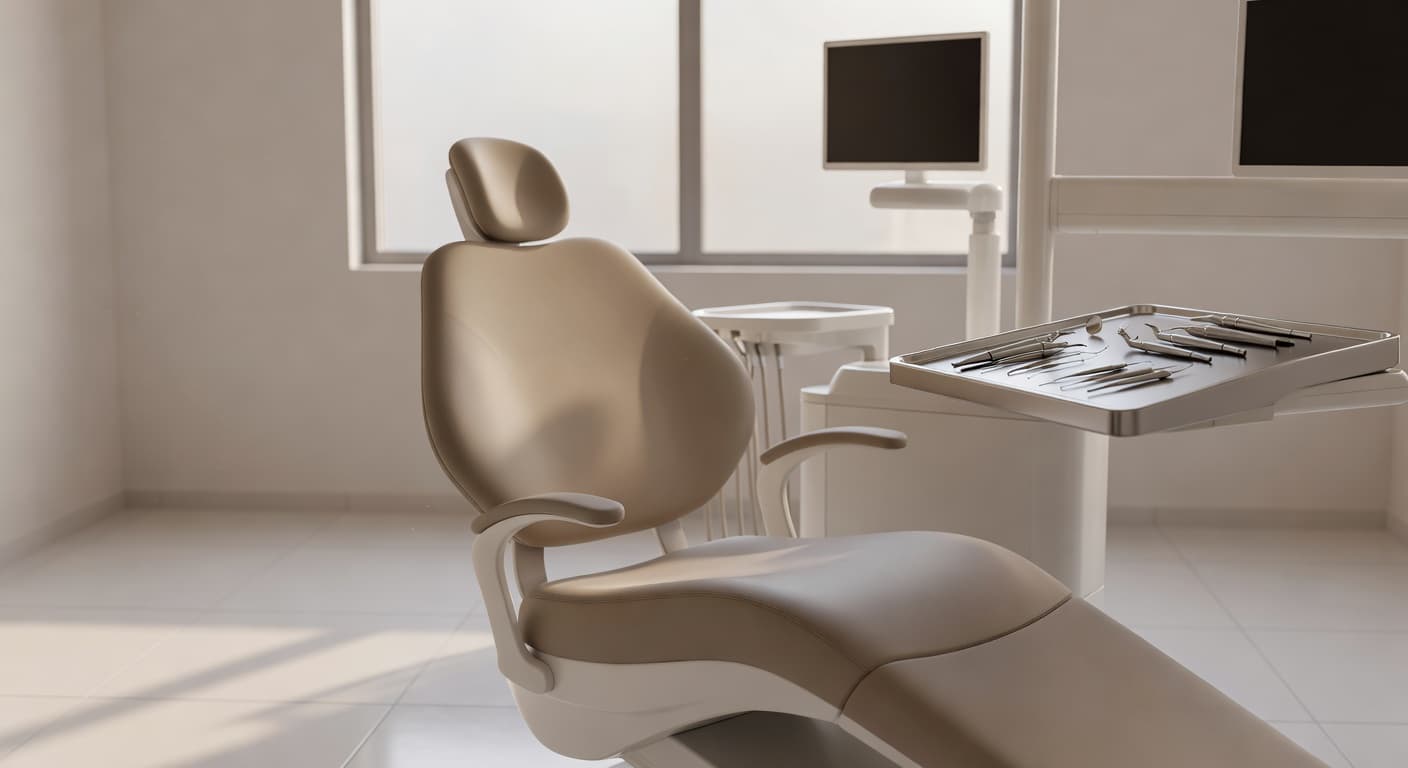
No-shows quietly cost a typical 3-operatory general practice $80K–$150K per year in unrealized chair-time revenue, and most practices accept the loss because they think no-shows are random behavior. They are not.
A three-touch reminder cadence — 7 days, 2 days, day-of — sent via SMS, with explicit reschedule options at each touch. Cuts no-show rate from ~8% to ~3%. Plus recall reminders for hygiene and reactivation for dormant patients.
The chair-hour problem
A general dental practice running three operatories at standard production schedules each loses on average one chair-hour per day to no-shows. At a typical production rate of $300–$500 per chair-hour for hygiene and $600–$1,200 for restorative work, that adds up to $80K–$200K of unrealized revenue per year for a single-location three-operatory practice.
Most owners I have talked to about this know the no-show rate roughly — usually they say "a few percent" — but they have never sat down and converted it to annual dollars. When they do, the answer is always larger than they expected, because the hygienist's time still gets paid, the front desk still works the schedule, and the chair just sits empty.
The good news: no-shows are not random. They are predictable, and they are largely fixable with a structured reminder cadence. The bad news: most practices run weak reminders and assume the no-show rate is just a fact of life.
Why no-shows happen (the real reasons, not "they forgot")
Front-desk staff tend to attribute no-shows to forgetfulness. The actual data on patient surveys shows a more useful breakdown:
- They forgot (~30–35%): genuinely lost track of the date
- Conflict arose (~25–30%): work, kids, transportation — and they did not feel they could call to reschedule
- Anxiety / avoidance (~20–25%): especially common for restorative and surgical appointments
- Confused about which appointment / wrong day (~10%): mismatched between confirmation and calendar
- Cost concerns (~5–10%): often surfaces in the days before and the patient ghosts rather than calls
Each of those root causes responds to a different reminder type. Plain "reminder of your appointment" texts only help the 30–35% who forgot. The other 65% need something more specific — usually an explicit, frictionless reschedule option that they can tap.
The 3-touch reminder cadence that actually works
The single biggest leverage point is the cadence and the explicit-reschedule option. The cadence that I see working in well-run practices:
Touch 1: 7 days before the appointment
Purpose: catch conflicts early when there is still time to rebook the slot.
Channel: SMS. Email open rates for routine reminders are ~25%; SMS open rates are above 95%.
Format:
Hi [First name] — confirming your [appointment type] with Dr. [Last name] on [day], [date] at [time]. Reply YES to confirm, R to reschedule, or call us at [number]. — [Practice]
Why it works: the explicit "reply R to reschedule" is the key. Patients who have a conflict at 7 days out usually do not call to reschedule because it feels like an imposition; tapping a single letter does not.
Practices that add this touch usually see 8–12% of confirmed appointments get proactively rescheduled at this stage, which sounds bad but is actually great — every one of those rescheduled slots gets backfilled with a same-week patient from the waitlist, and the patient who would have no-showed does not.
Touch 2: 2 days before
Purpose: catch the conflict-arose category and surface anxiety/avoidance.
Format:
Hi [First name] — looking forward to seeing you [day] at [time]. Anything come up? Reply Y to confirm, R to reschedule. We can also answer questions about the visit if you'd like — just text back.
The "answer questions" line matters more than it looks. For anxiety-driven no-shows (especially restorative and surgical), a short conversational exchange about what to expect drops the no-show rate substantially. Most front desks can handle these via templated responses; AI-assisted intake can do it autonomously for the common questions.
Touch 3: morning of the appointment
Purpose: catch the same-day forgetters and the day-of conflicts.
Format:
Good morning [First name] — your appointment with Dr. [Last name] is today at [time]. Address: [address]. Reply Y to confirm or R to reschedule. We're holding the slot for you.
The "we're holding the slot for you" framing — soft commitment language — measurably reduces day-of no-shows. It costs nothing.
Recall reminders for hygiene
The cadence above is for appointments that are already on the books. Recalls — the reminder that it has been 6 months and a patient is due for their next cleaning — are a separate workflow that most practices run weakly.
Common failure modes: a recall postcard gets mailed (low open rate), an email goes out (low open rate), or no reminder at all and the patient drifts away to the next practice the next time something hurts.
What works: an SMS at the 6-month mark with an explicit booking option.
Hi [First name] — you're due for your cleaning. Pick a time that works: [link to online booking]. Most slots open within 2 weeks.
Practices that move recall from postcard to SMS typically see recall conversion roughly double. The patients are still your patients; you just stopped relying on a 1990s channel to reach them.
Reactivation for dormant patients
Every practice has dormant patients — people who came in for a couple of visits, drifted away, and never came back. Most practices forget they exist. The data is usually still in the practice management system; nobody is doing anything with it.
A reactivation campaign is one of the highest-ROI workflows in dentistry. Pull a list of patients who have not been in for 12 to 24 months. Send a single SMS:
Hi [First name] — it's been a while. We saved your chart and the team would love to see you back. New patient? No — you're already one. Book a check-in: [link].
Industry-typical response rate for a well-written reactivation message: 8–15% book within a month. For a practice with 800 dormant patients, that is 65–120 patients reactivated in a single campaign — at an average production of $400–$600 for the first visit and a stream of future visits beyond that.
Most practices run this campaign once. The better move is to run it on a rolling basis: every patient who hits the 12-month dormancy mark gets the message automatically, with no front-desk involvement.
Compliance notes — HIPAA and patient communications
Anything that touches patient information has HIPAA considerations. Two specifics that come up most often:
- SMS reminders: standard HIPAA Privacy Rule allows appointment reminders via SMS to the phone number on file, provided the messages contain limited PHI. "Appointment with Dr. Smith on Thursday" is fine. "Appointment for your root canal on tooth #14" is not. Keep the messages clinically generic.
- Vendor BAAs: any third-party service that handles patient phone numbers and message content needs a Business Associate Agreement in place. Most established practice-management systems (Dentrix, Eaglesoft, Open Dental) have BAAs for their own SMS modules. If you use a separate SMS platform, confirm the BAA exists before sending anything.
None of this is a reason not to automate reminders. Practices automate them under HIPAA every day. It just means the choice of vendor and message content has rules.
What I'd build first
Run the 7/2/0 reminder cadence by SMS for one quarter. Measure no-show rate before and after. For nearly every practice, the rate drops by half within the first month, and the recovered chair-hours pay for any tool you used to set it up within the first two weeks.
Once that is running, layer in recall and reactivation. By the time those are also running, the practice has typically added $80K–$200K of annual recovered revenue and the workflow is invisible to the front desk — it just runs.
If you want a 15-minute audit on your specific schedule and where the recovered hours would come from, book a time — I'll come prepared with the questions for your specific practice size and patient base.